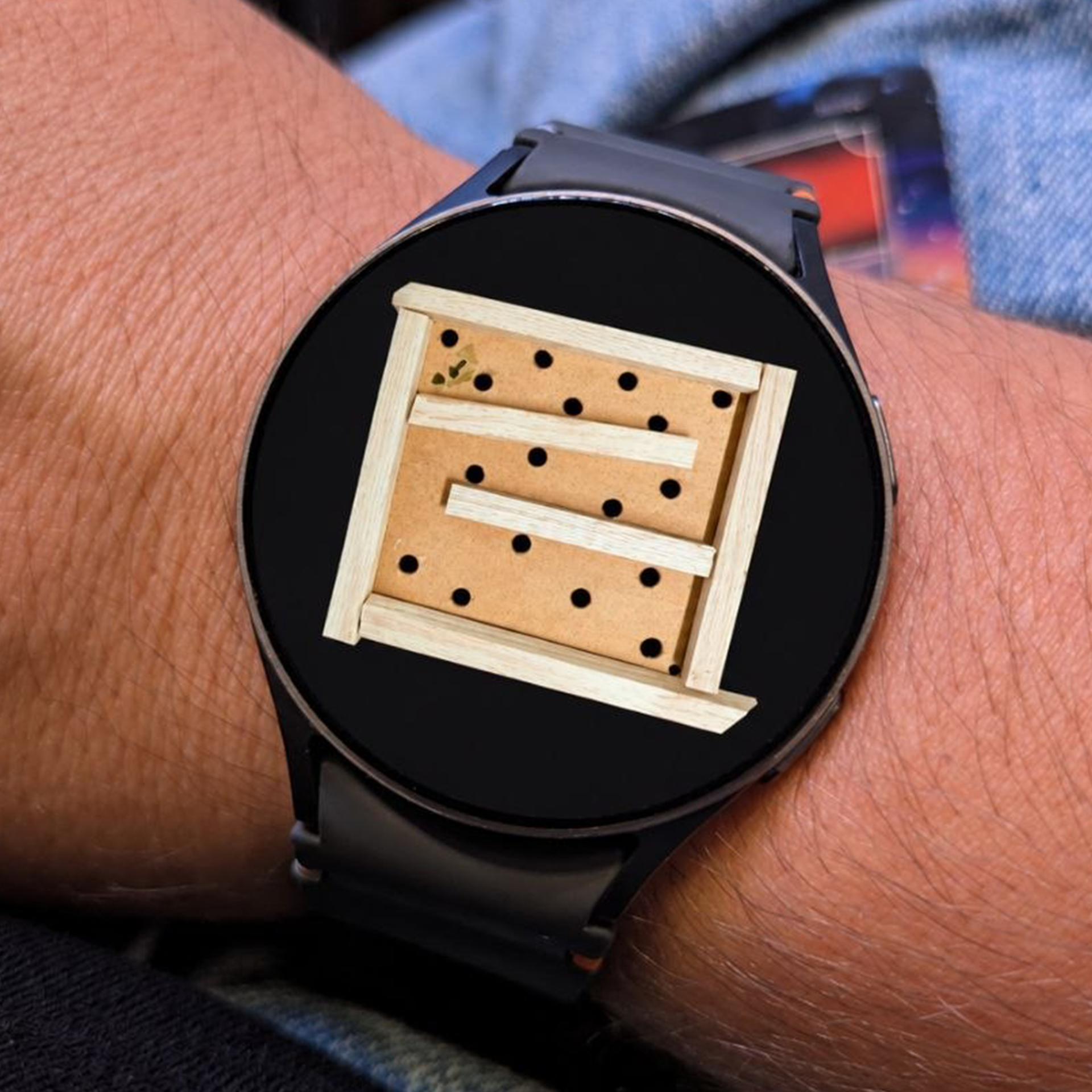
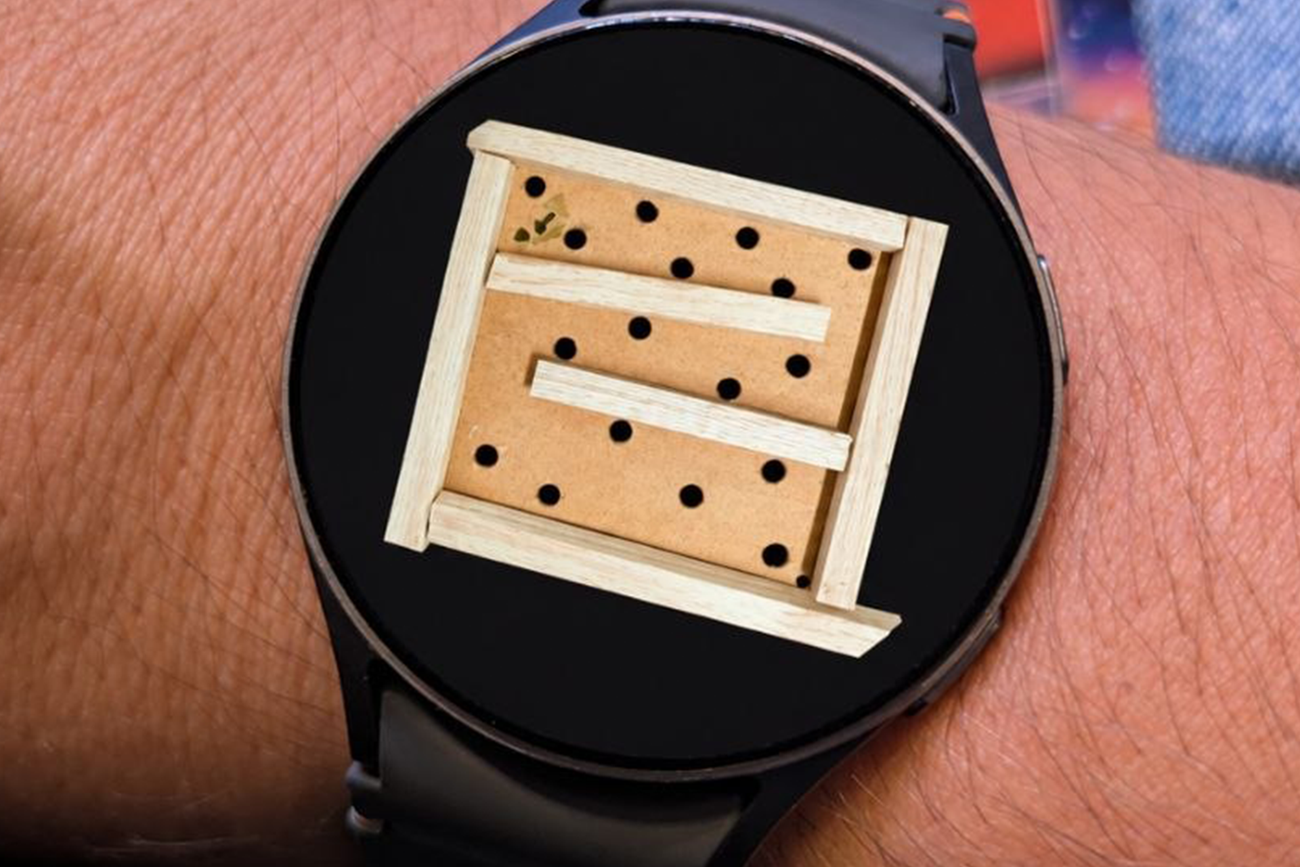
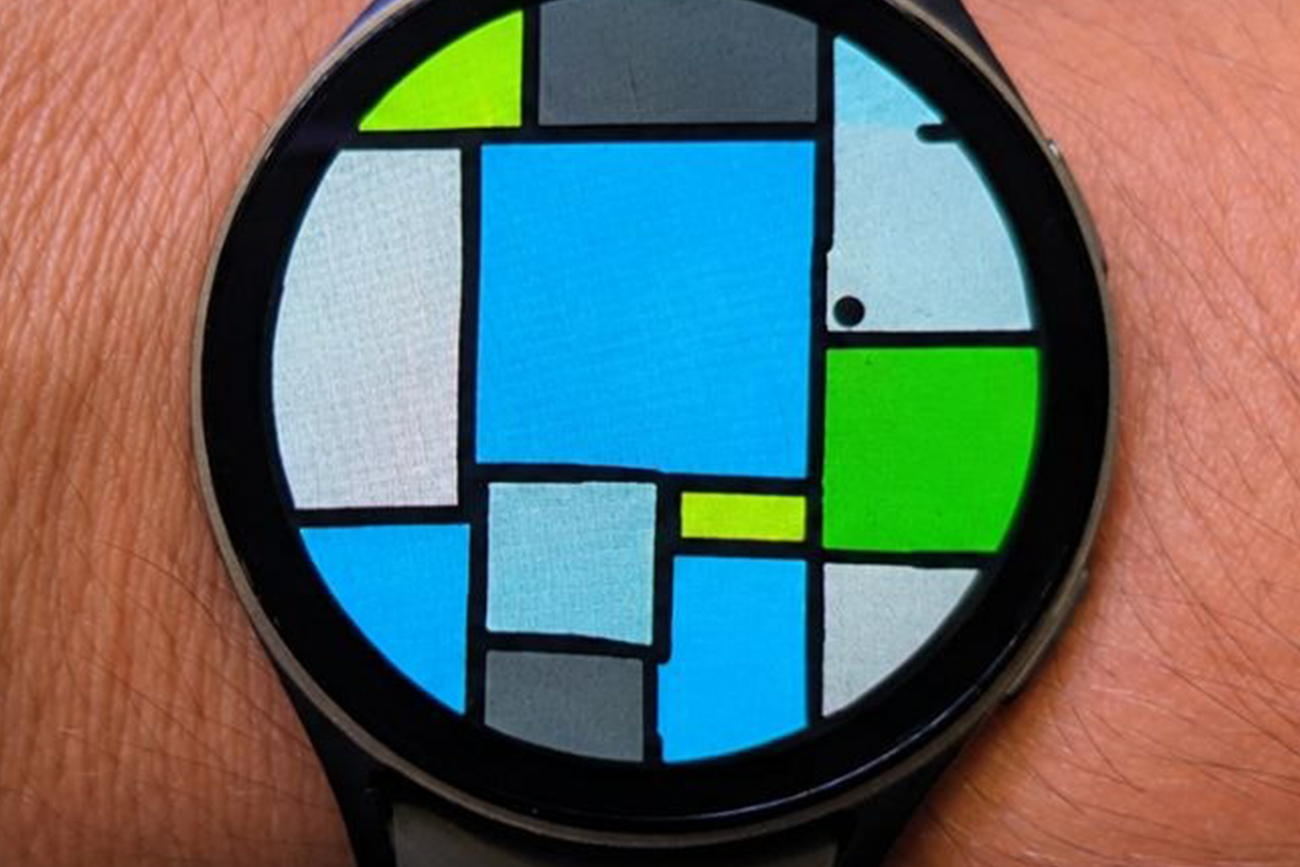
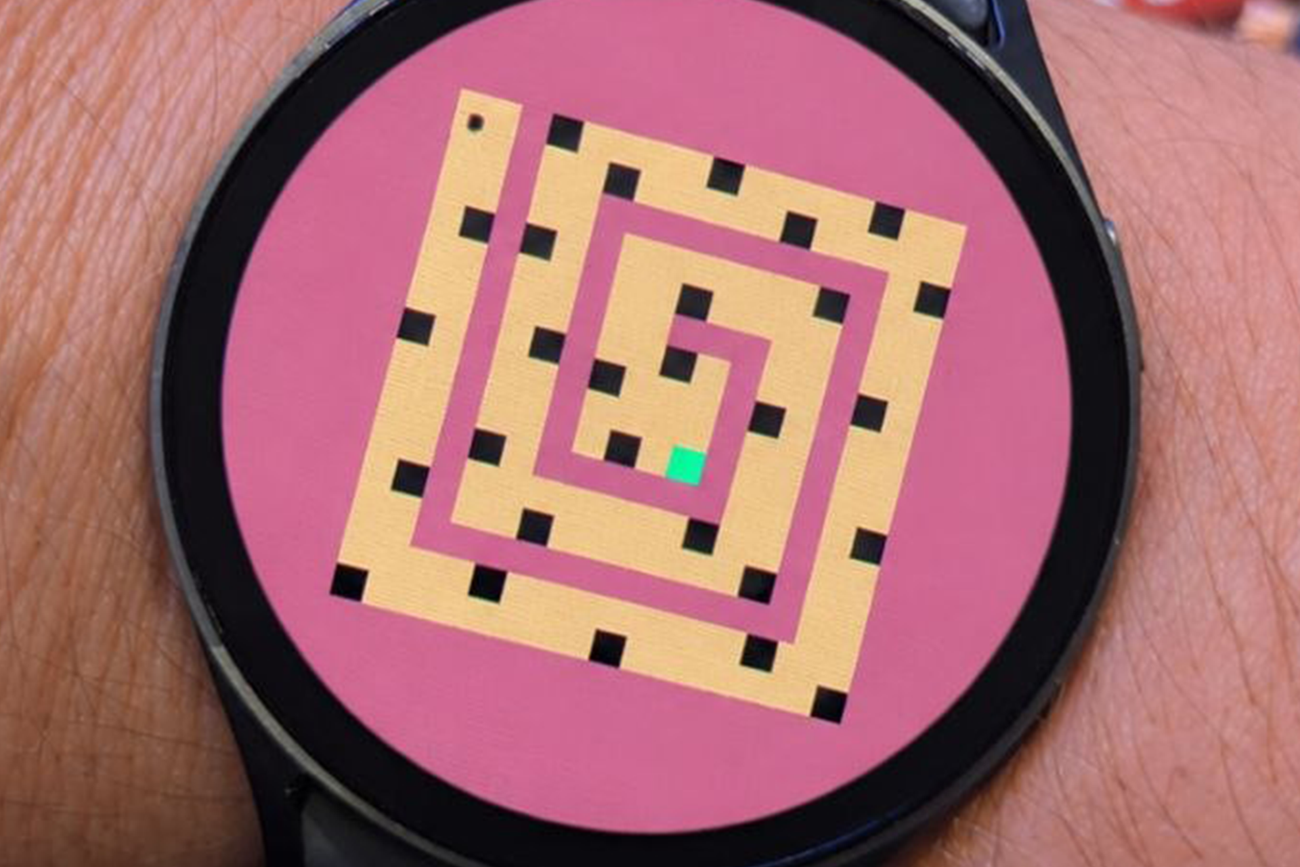
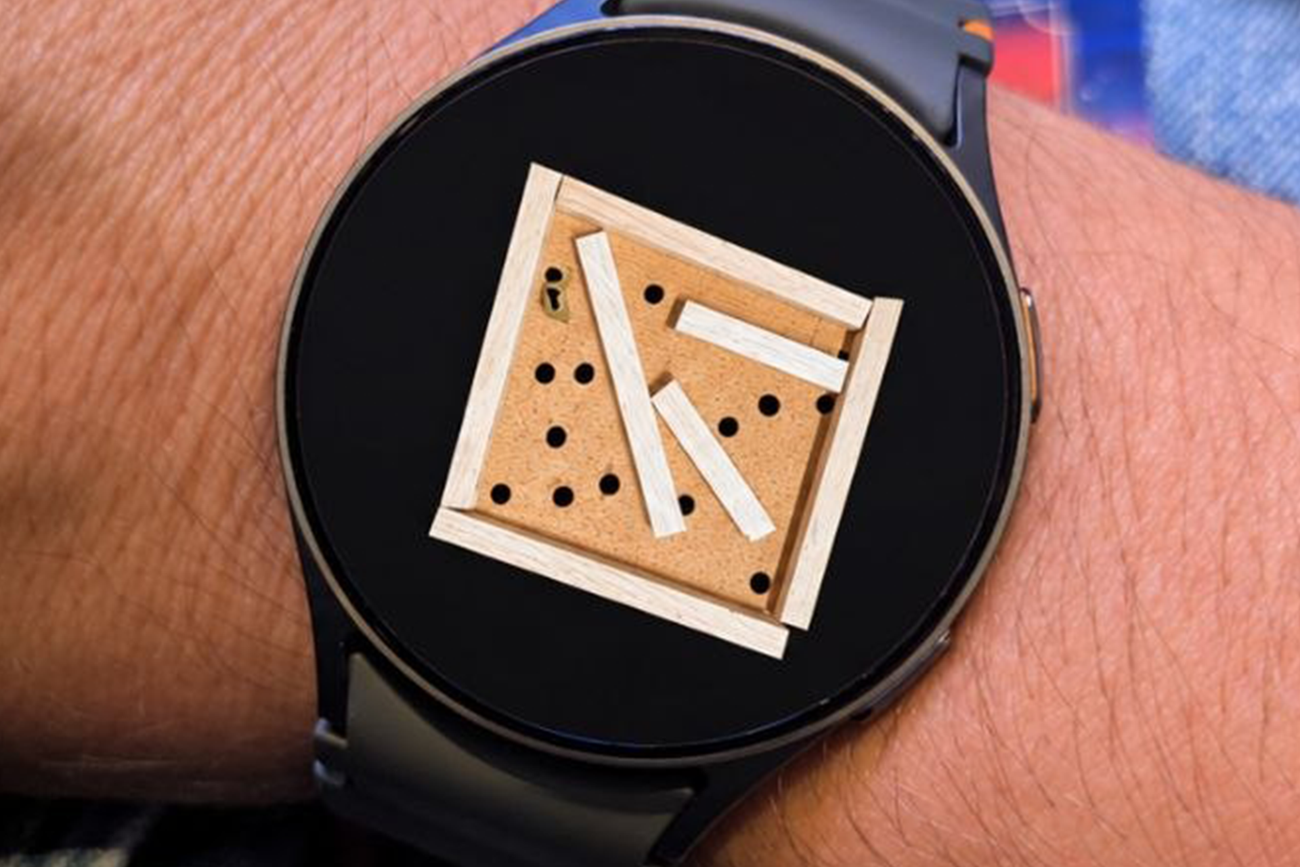
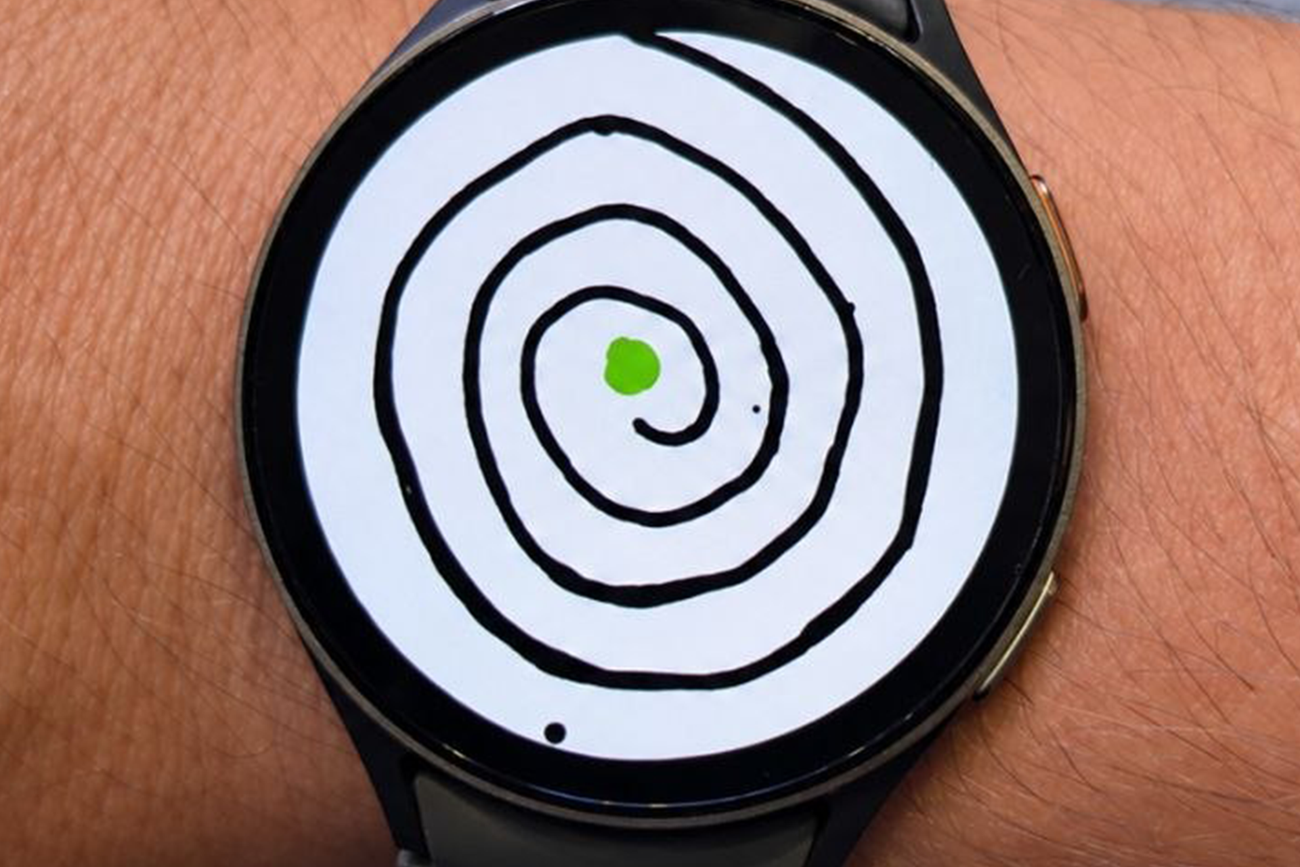
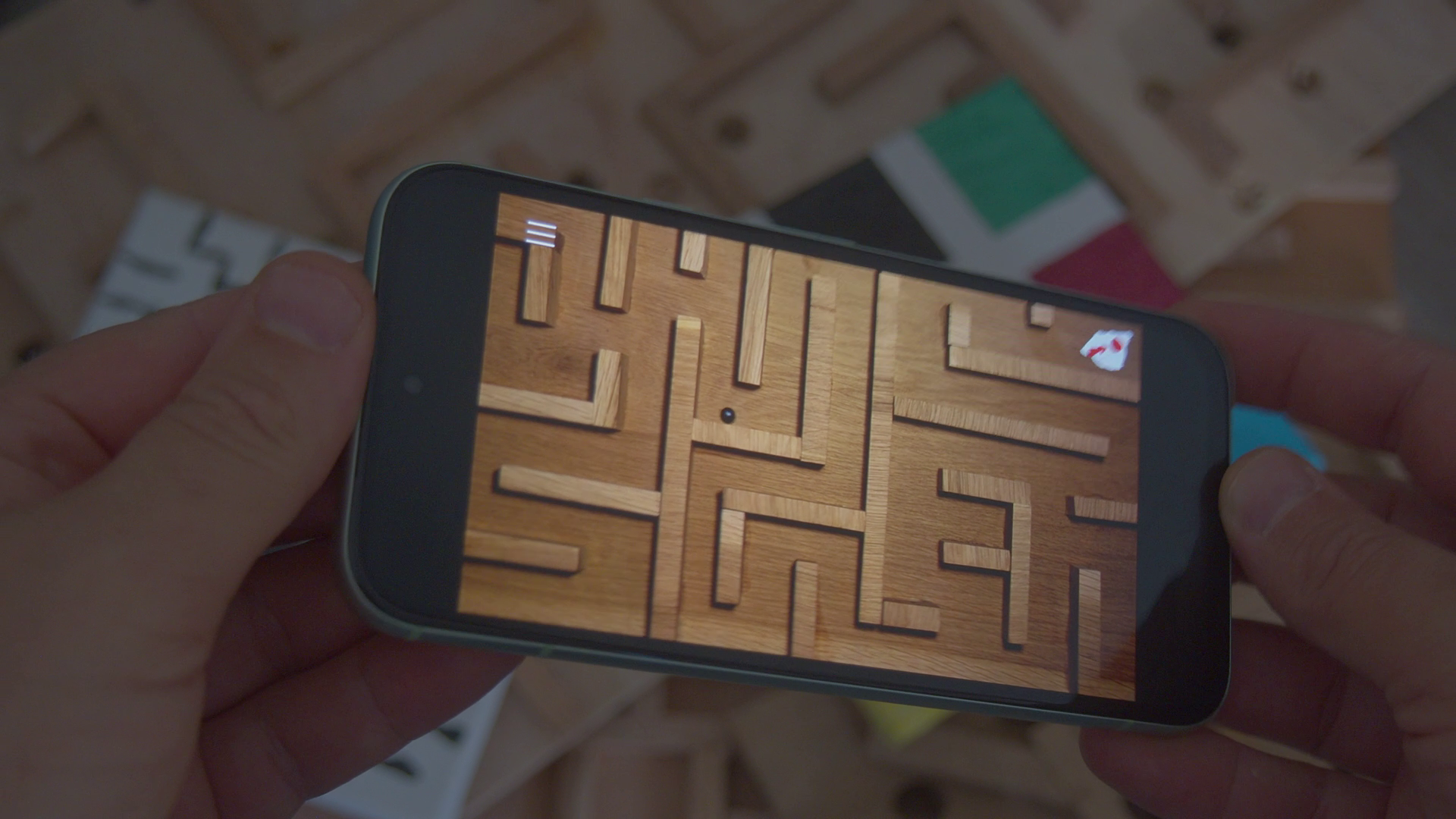
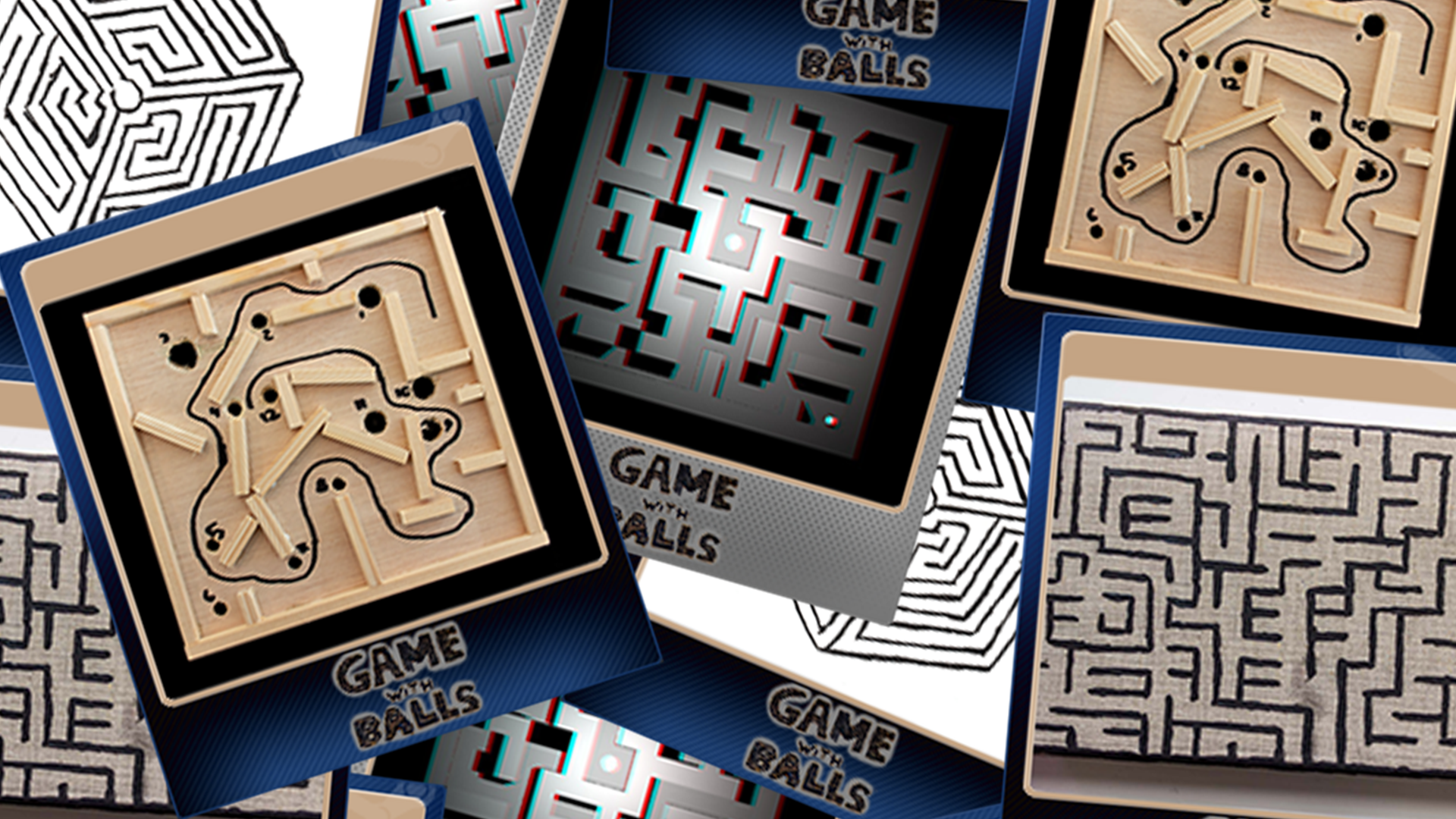
It was supposed to be just a little extra hidden thing if you got the Android version of Game With Balls, but after making over 70 little mini levels it just had to be a standalone release. Three different themes: Wood, Drawn and Pixel. Perfect for short commutes to see if you can beat your own best time. You can get Game With Balls for WearOS and also the full version for your Android phone on the Google Play store (see button on top of this post).
The circle is complete. Game With Balls was inspired by those little games you got on the iPod Touch and now I had the time to port the my little game to Android. Same version as that you can already play on the Nintendo Switch. Hope you enjoy it if you also want the handcrafted levels in your pocket!
The 4 plugins I have on FAB are now updated to work on Unreal Engine 5.8. On top of that the Hyperdeck plugin also got the little update (at the moment available on Gumroad). There are plans to move this plugin also to FAB for easy access.
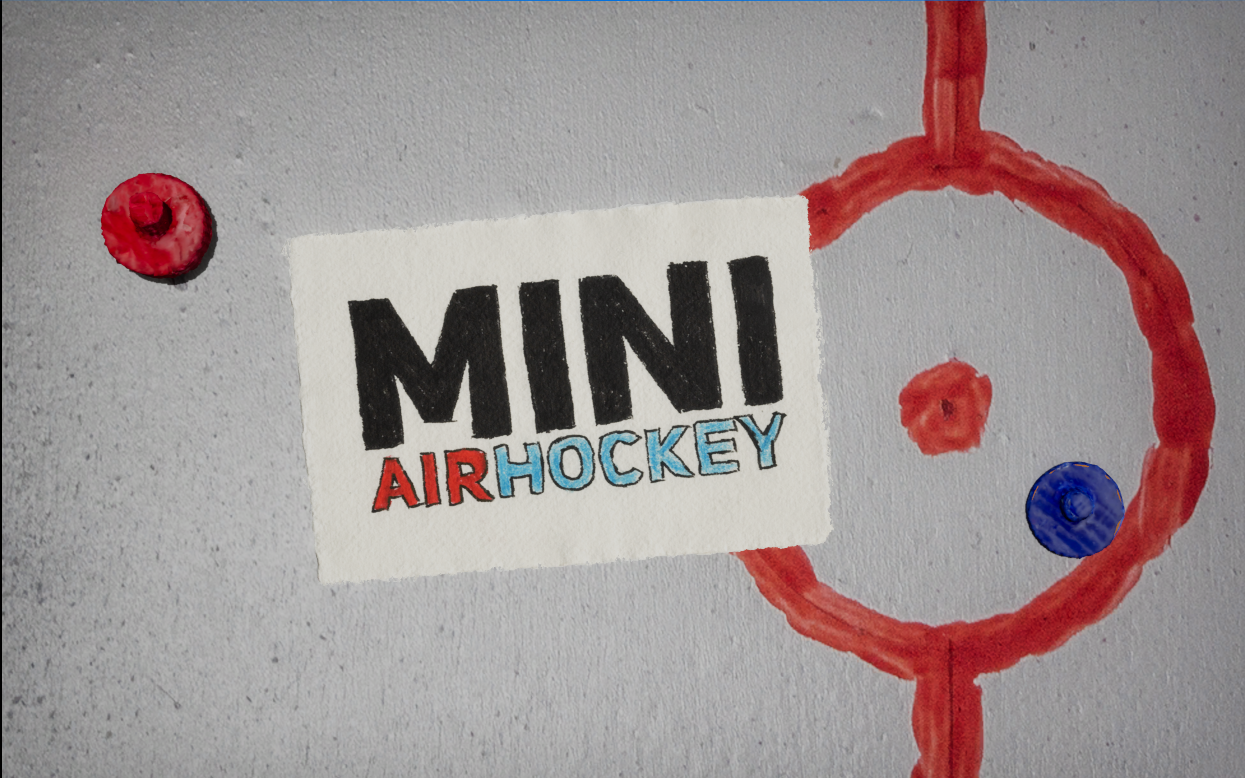
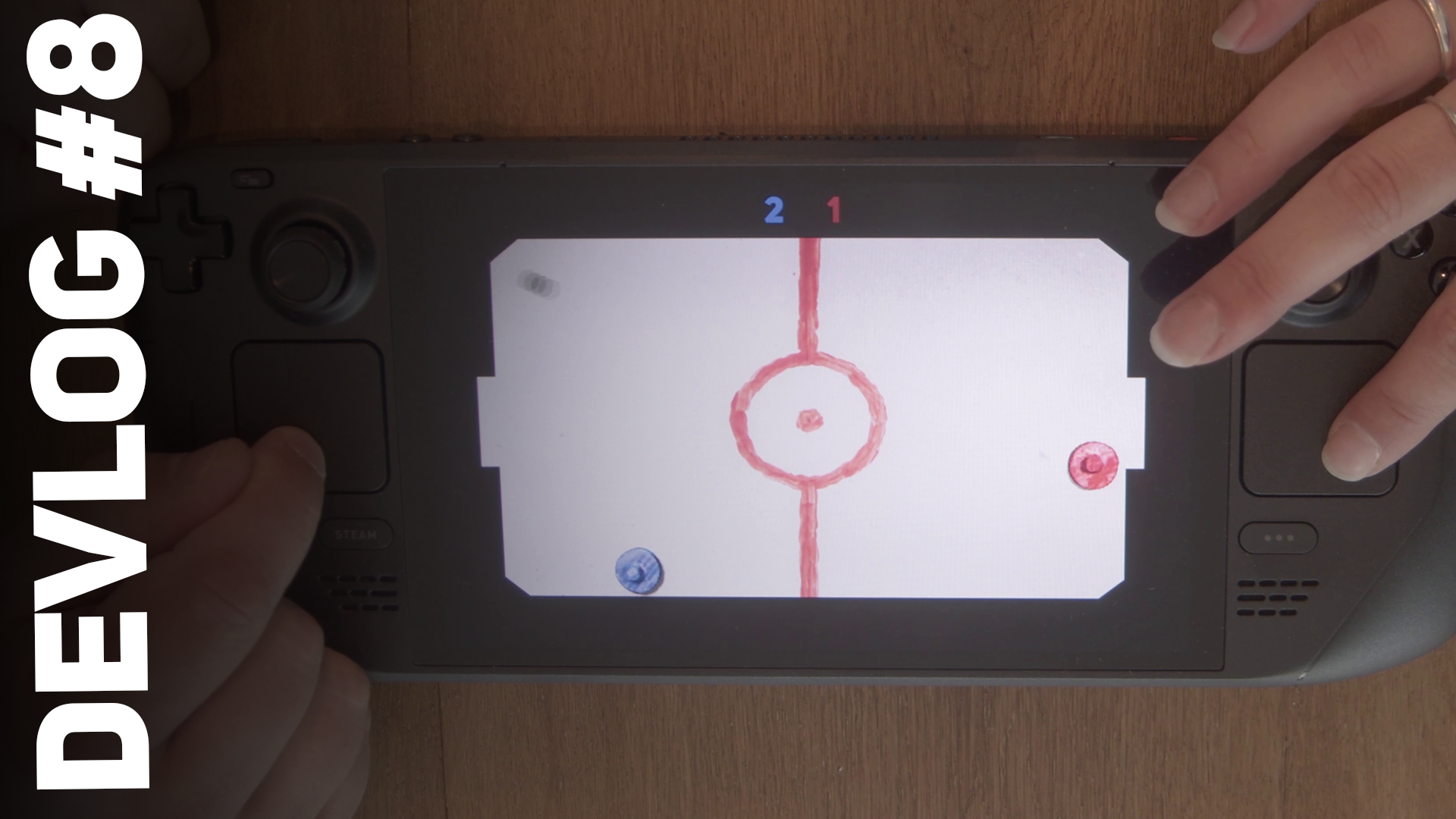
Hi everyone! My little experiment for the Steam Deck is now available! Turn your Steam Deck into a little Mini AirHockey table for two. Perfect for on the road and whip out to battle against each other. T
Thank you everyone for playing my little thingies I have been creating the past 2 years.
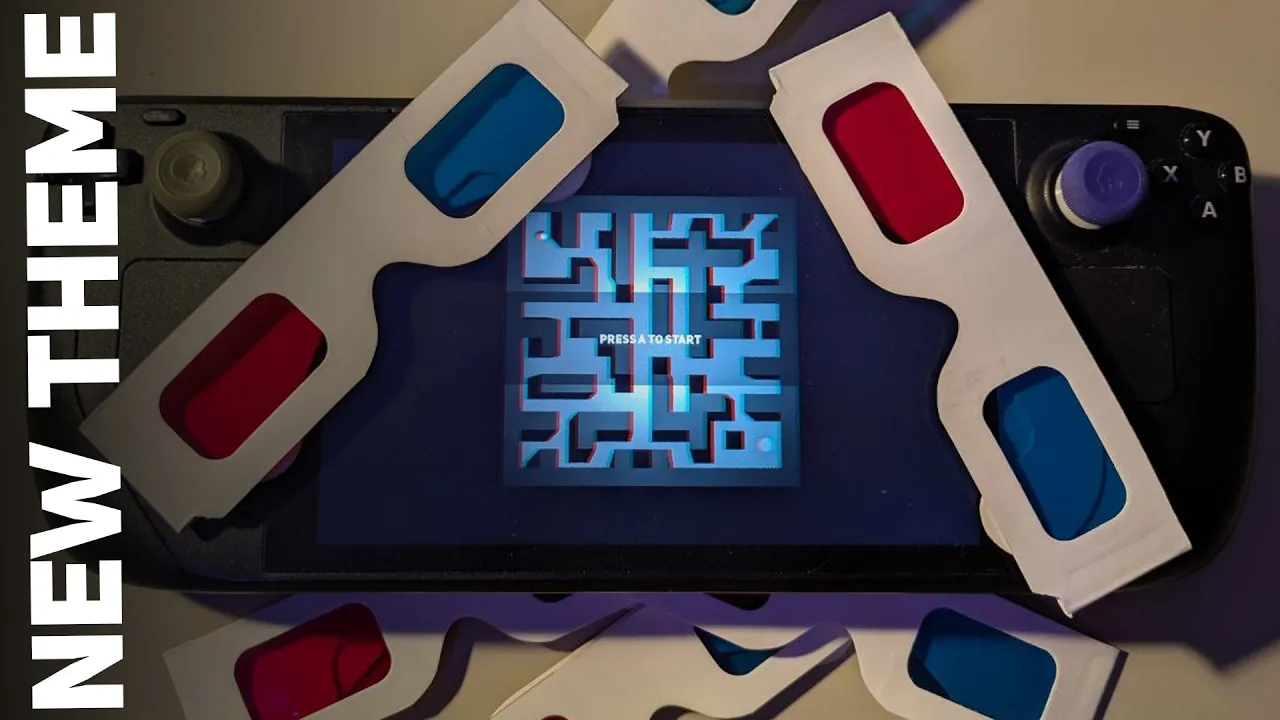
Hi everyone! The new theme is now available! Just update Game With Balls and you have the 20 new 3D levels for the Steam Deck and the Nintendo Switch!
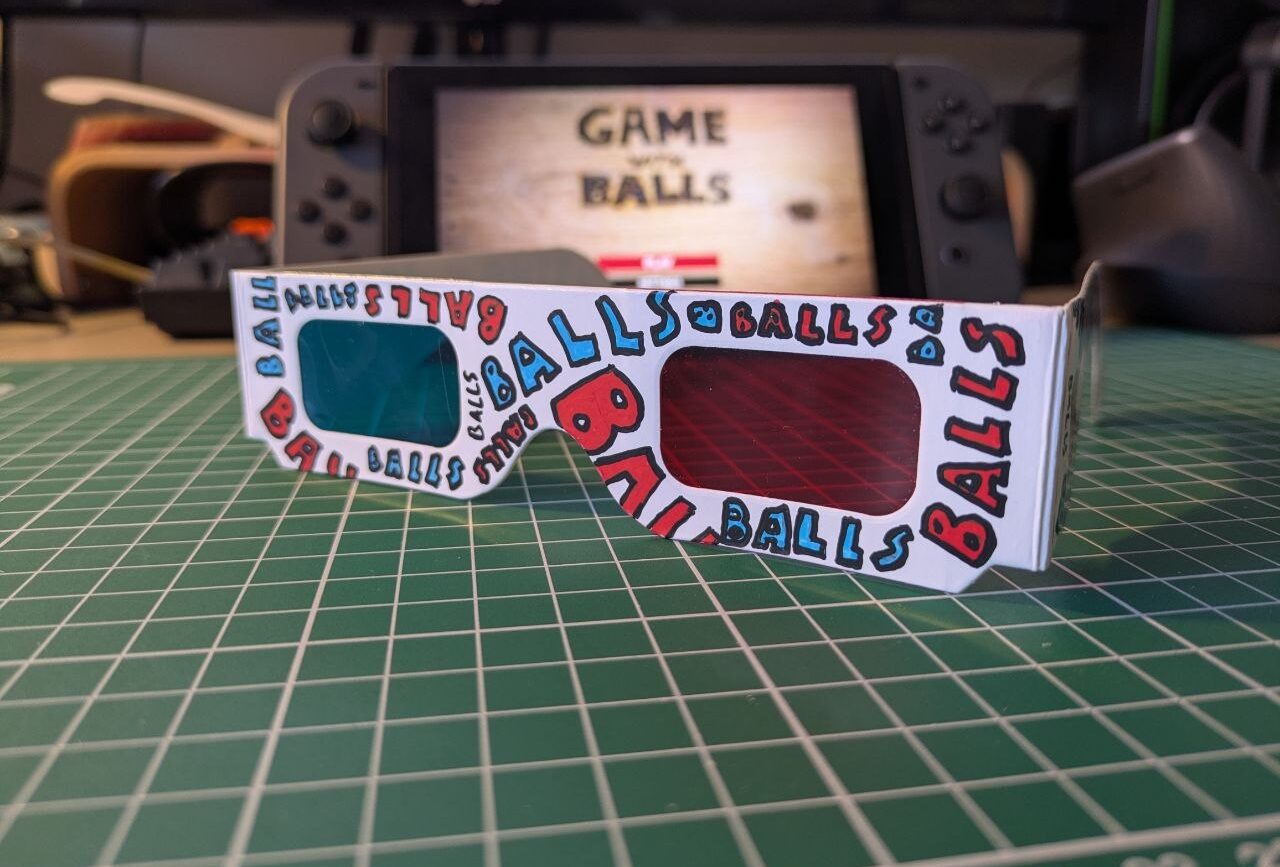
Probably the question I got the most after release was “Why not 3D?” and well… So here are 20 levels that are completely 3D and if you have anaglyph glasses, those red/blue paper ones, you can even enjoy it in MORE 3D. Red for the left eye! I even made a couple custom ones that you can order from my website.
Thank you everyone for playing Game With Balls! I have still 2 more large updates in my head that are coming this year, but will make a new announcement when they are ready enough.
DreamLeague has started and for this season I was invited to make a realtime environment that is displayed in the back of the studio. Using Unreal Engine 5 to show the Picks and Bans and a lot of different triggers for small little gags the production can use during the show. It’s always fun to combine creative little things with the technical side of productions and also to return to a production I probably haven’t worked on for over 5 years.
The whole project is fully automated (except for the little joke triggers) needing no operator for the basic functions like starting the Picks and Bans sequence showing what heroes the players have picked for the match. Even starting the project is completely automated so that engineers in the studio can focus on other things and only have to double click the .uproject file.
You can watch the season right now on Twitch or YouTube!
For the startup editor sequence I made four different little plugins that are now also available on FAB.
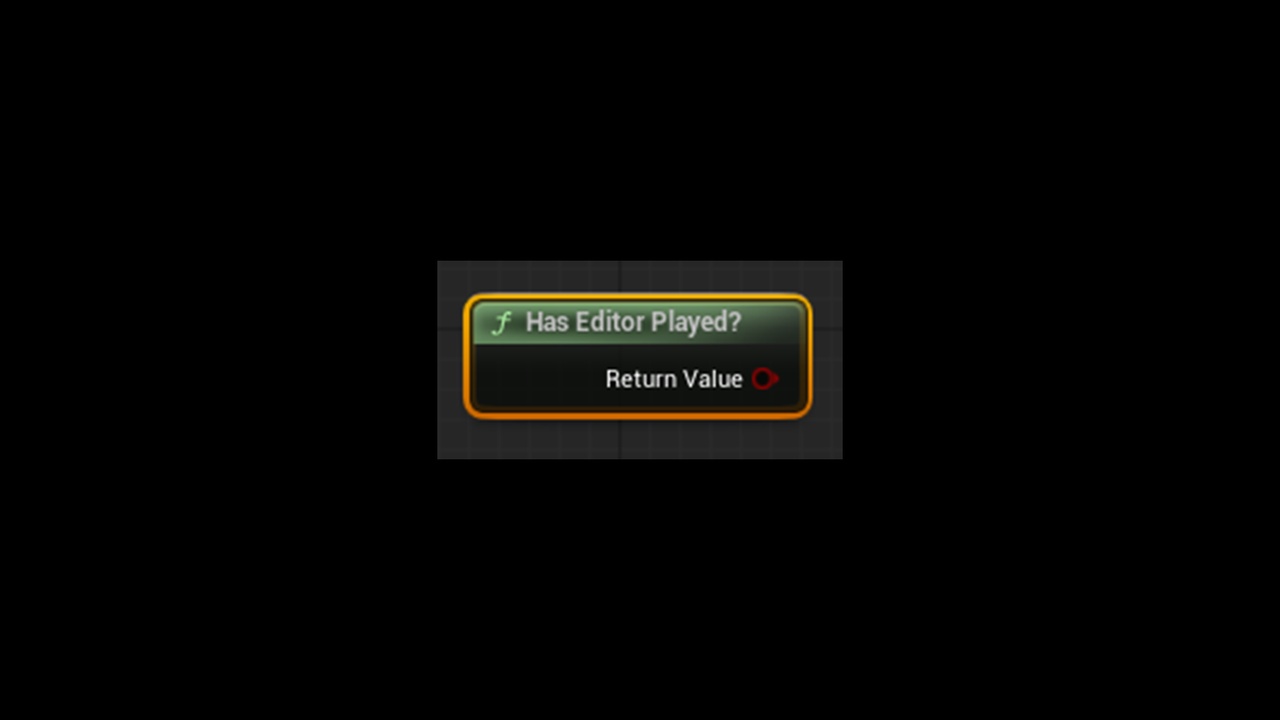
To check if the editor already has played once after startup. Used to do a set of action only needed at startup for instance loading in textures on dynamic objects and running a couple of custom commands.
To open the Remote Control API Preset at startup so that triggers become available in production after starting the editor. This is because the triggers are not available if the tab is not open somewhere in the editor and found that this is the most reliable way for a starting the editor.
Automatically plays in the viewport or standalone when the editor is started and the level is fully loaded. Also possible to set a small delay on the play action if something else is also needed first.
So that nothing can accidentally be clicked/register keyboard presses in the editor. Everyone in production knows how hectic it sometimes can be so wanted this plugin after a little incident at another rehearsal I had where someone was clicking around my project to show someone else what it could do.
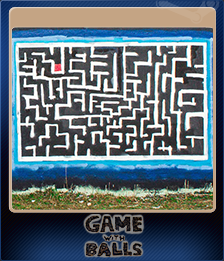
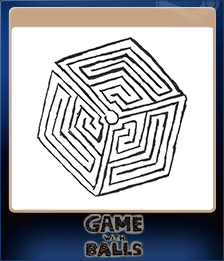
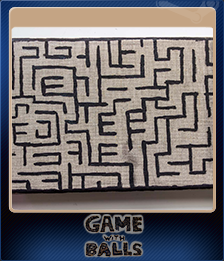
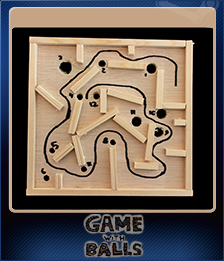
Noticed that I was allowed to submit some trading cards and items to Steam! So why not! 5 different trading cards that you can collect with different kind of mazes, 3 backgrounds and 5 emoticons. I tried to make them as unique as possible, but subtle enough that they could just be something you maybe do not notice. Except the emoticons. If you collect them all it spells Balls!
Click the button on top of this post to get the items in the point shop and to collect the trading cards just play the game (or buy them of the marketplace).
For an upcoming production I need a quick way in Unreal Engine to check if the play button was already pressed in the editor as I run a couple of commands when it starts up the first time. In my case loading in assets for the first time, but there are probably other usecases for it as well. So there is now a little node for it that you can also download for free on FAB.
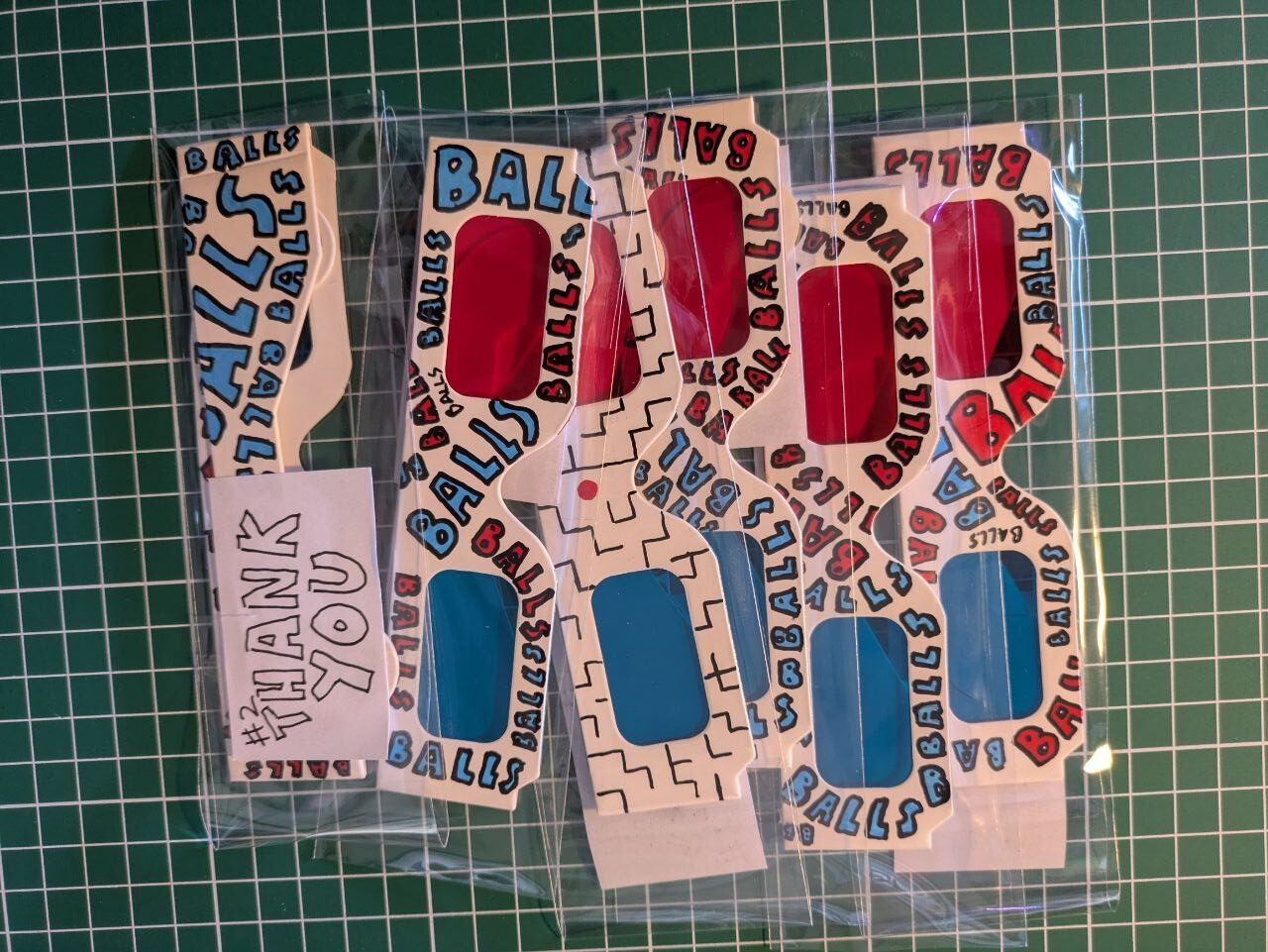
The upcoming Red/Blue for Game With Balls theme was created entirely on my PC, but I still wanted to bring something into the real world. So… I started drawing on anaglyph glasses that you can own and use to play the new theme! Think of those cardboard glasses you used to get for free with that weird dinosaur magazine, but now redesigned with Game With Balls themes.
You can find the glasses on my own little storepage I build (tested, but let me know if something goes wrong) and follow me on Instagram or BlueSky if you want to know when new glasses are added! As I am not always home you can see the data when the next batch will be send out on top of the page.
Already have one of those glasses laying around? Try them out in the video and let me know what you think!
The new theme will launch in the coming months for the Steam Deck and Switch, but don’t have a set date yet!